
26 October 2026 · Editorial Team
Acoustic pods for school staff rooms
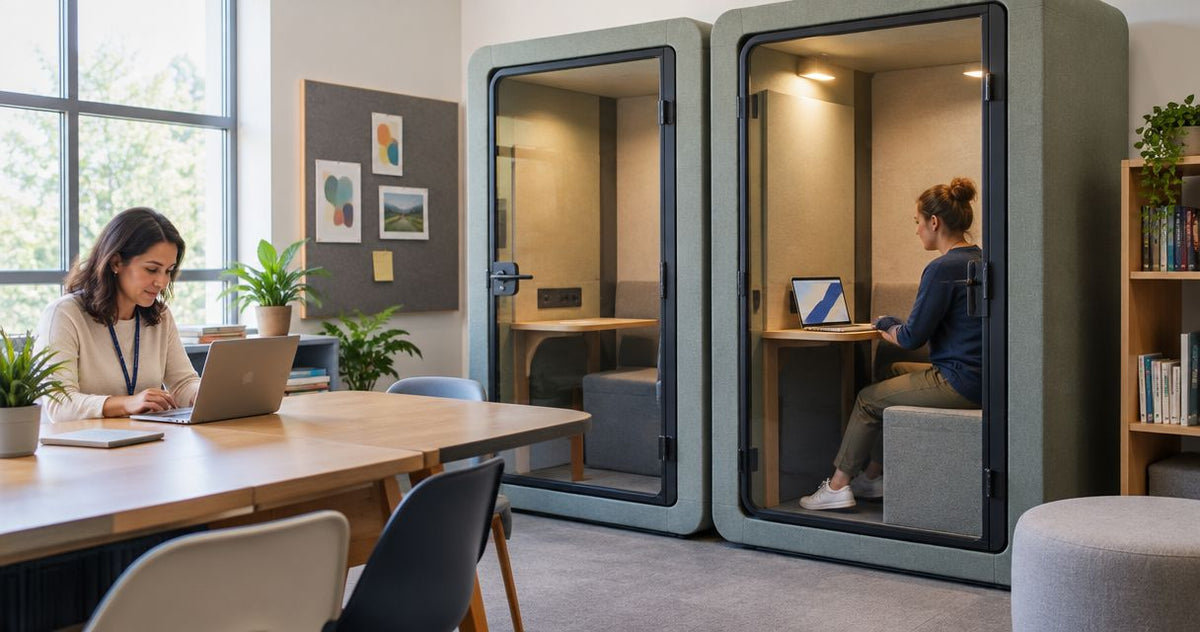
School staff-room acoustic pods are enclosed workspaces for staff calls, focused work and small meetings, with the aim of separating these activities from shared break space. Choosing acoustic pods for school staff rooms means balancing individual tasks with the staff room’s role as a place to eat, talk and take a break.
- Quell Workspaces acoustic pods suit schools seeking dedicated spaces for staff calls and small meetings.
- Choose a phone booth for individual calls; choose a meeting pod when colleagues need to work together.
- Acoustic panels address sound within a room; they do not create an enclosed conversation space.
- Keep shared break space usable, and assess speech privacy separately from visual privacy.
Why acoustic pods matter for school staff rooms
A school staff room has competing uses. A telephone conversation, lesson-planning discussion and lunch break need different conditions, even when they happen in the same room. Choose a pod around a specific staff task, not around a general wish for a quieter room.
If individual calls are the main interruption, an office phone booth is a relevant starting point. If the problem is sound lingering throughout the room, enclosed space alone does not address the whole brief.
Quell Workspaces acoustic pods are best for schools seeking a dedicated space for staff calls and small meetings. That does not make a pod a replacement for every existing meeting room, nor does an acoustic enclosure automatically establish confidentiality.
Your first decision is therefore not which model to order. It is which activity needs separation, who will use the space and what must remain available outside it.
How to choose acoustic pods for your school staff room
Define the staff task before choosing the enclosure
Start with a simple written list of activities that currently compete with conversation or break time. Ask staff to describe the task, the interruption and the space they use now. A shared document or paper sheet is enough; you do not need specialist software to establish the brief.
Separate individual calls from paired discussions and group meetings. A teacher returning a telephone call needs a different arrangement from colleagues reviewing documents together. Likewise, a space intended for laptop work needs a different internal layout from a space used only for brief standing conversations.
Keep the brief specific. ‘Reduce disruption during staff telephone calls’ gives you something to assess. ‘Improve wellbeing and productivity’ does not tell you which enclosure, furniture or booking approach will serve the task.
Include an explicit boundary: what will the pod not be used for? This prevents a short-call space becoming a general-purpose room that stays occupied throughout the day.
- Record the staff task in plain language.
- Distinguish individual use from shared use.
- Identify whether users need a laptop, papers or neither.
- List the interruptions the enclosure should address.
- State which activities should remain elsewhere.
Map demand around the school timetable
Use a paper diary or shared calendar to record when staff need separate space. Record unsuccessful attempts too: a booking calendar shows occupied sessions, but not the calls or discussions that could not happen because the space was already taken.
For a school staff room, timing matters as much as total use. Check whether demand gathers around breaks, before teaching starts or after lessons finish. Use your own observations rather than assuming that the busiest period in another workplace applies to yours.
Distinguish scheduled meetings from spontaneous calls. A fully booked enclosure does not serve someone who needs to return a call during a short gap. Conversely, leaving everything unbooked makes planned conversations difficult to arrange.
Match the booking approach to the task before increasing the number of pods. A change in booking rules or the use of an existing room deserves consideration alongside a new enclosure. The aim is access to suitable space, not simply more furniture.
- Record requested use as well as completed use.
- Mark the timetable periods when requests overlap.
- Separate planned meetings from unscheduled calls.
- Identify activities that can use existing rooms.
- Decide which uses need booking and which need drop-in access.
Match the pod format to the working arrangement
Begin by comparing your existing spaces with the task brief. An available room might already support scheduled discussions, while a phone booth addresses individual calls closer to the staff room. This comparison keeps the purchase tied to a gap you can describe.
Once that gap is clear, Quell Workspaces provides acoustic office pods, phone booths and private meeting rooms to consider. Shortlisting relevant formats is the faster route than browsing every enclosure, but the product page still needs to confirm the details of the option you select.
For example, a 2-person format addresses a different working arrangement from a 4-person format. Those labels describe the intended scale of the discussion; they do not, by themselves, tell you whether the internal furniture suits your documents, devices or preferred meeting style.
Avoid choosing a larger format simply because it accommodates more people. It also changes how much shared space you dedicate to enclosed work. Choose the arrangement that serves the recurring task, and retain another room for activities outside that brief.
- Compare existing rooms before shortlisting new enclosures.
- Select individual, paired or group use as the primary purpose.
- Check the current product description for the selected format.
- Review the internal furniture arrangement against the task.
- Keep larger or different activities outside the pod brief.
Assess the staff room as a shared space
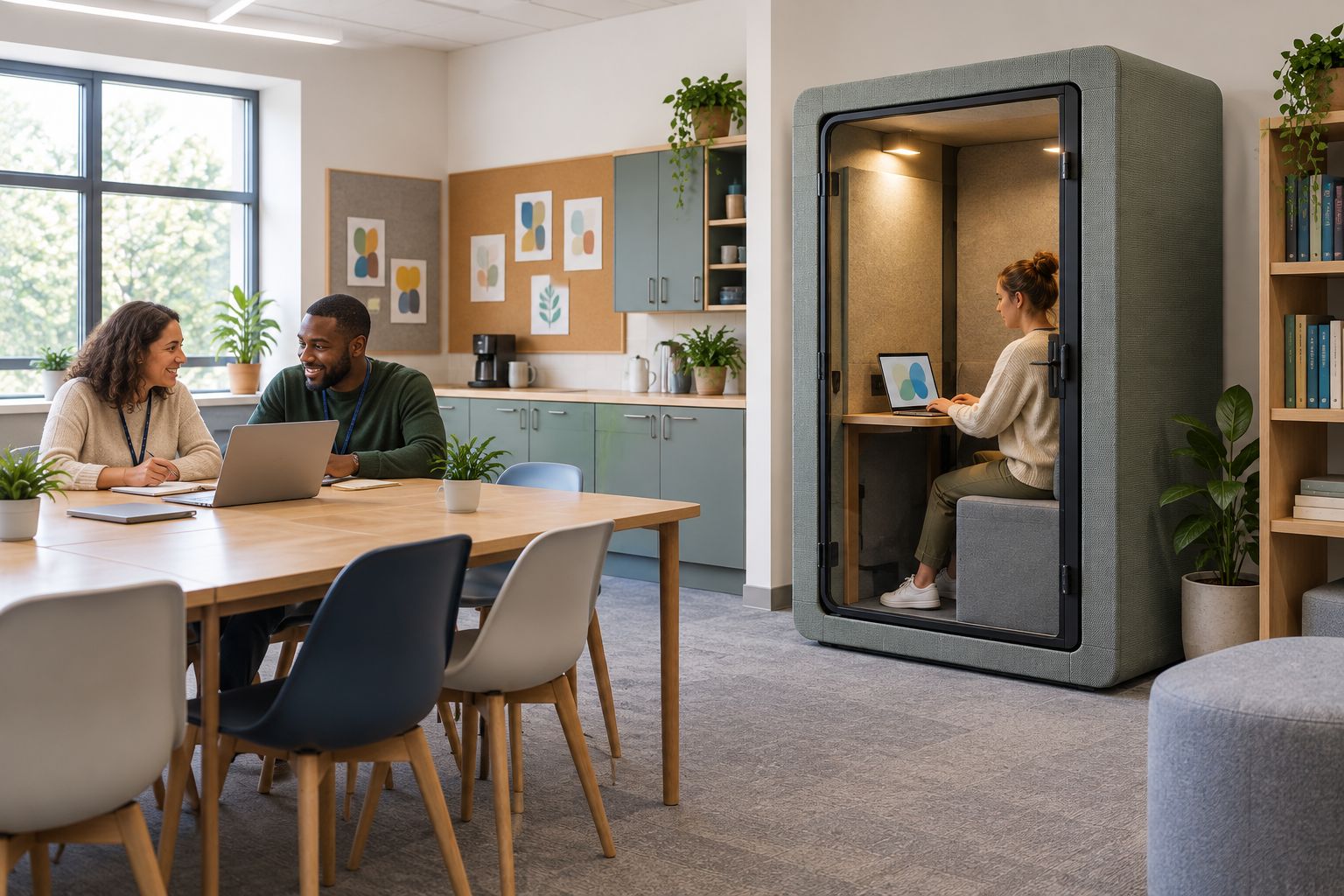
Sketch the staff room’s current arrangement before adding a pod to the plan. Mark tables, seating, cupboards and other shared facilities. This is a space-allocation exercise, not an installation plan; use the supplier’s current information when assessing the selected product.
Look at what the enclosure would replace. Losing a table used for breaks or collaborative preparation is a real trade-off, even if the pod serves another task well. Include that trade-off in the decision rather than treating every unoccupied corner as spare space.
Consider what users would face while working. A view into a busy shared area, a visible laptop screen and frequent activity outside the enclosure are different issues from sound. Record them separately so that an acoustic brief does not become an unsupported promise of complete privacy.
Keep the staff room usable for people who are not using the pod. Enclosed workspace should have a defined role within the shared room, rather than quietly taking over its main purpose.
- Sketch the existing shared facilities and furniture.
- Record which activities would lose space.
- Compare the proposed allocation with current product information.
- Identify screen visibility and visual distraction separately.
- Preserve the room’s shared break and conversation functions.
Check acoustic suitability without assuming confidentiality
Write down the acoustic problem in practical terms. Is speech from calls distracting nearby colleagues? Is activity outside interrupting the caller? Or does conversation reverberate throughout the staff room? These are separate questions and should not be folded into a single promise of soundproofing.
An enclosed pod and acoustic treatment have different roles. An enclosure creates a separate workspace; absorptive panels help address reflected sound within a room. Panels do not create a private meeting room, and a pod does not remove every acoustic issue elsewhere in the staff room.
Ask Quell Workspaces for information relevant to the shortlisted enclosure and the intended task. Do not treat a product name containing ‘soundproof’ as evidence that speech cannot be heard under every condition. Where a demonstration is available, use it to examine the proposed activity rather than relying on the label alone.
For sensitive staff conversations, follow your school’s established arrangements for confidential discussions. A quieter setting and a confidential setting are not interchangeable. Keep visual exposure, audible speech and the nature of the conversation distinct in the brief.
- Describe incoming distraction and outgoing speech separately.
- Distinguish room reverberation from enclosure performance.
- Request acoustic information for the shortlisted product.
- Examine the intended task during any available demonstration.
- Use established arrangements for confidential conversations.
Set operating rules and review actual use
Before choosing an enclosure, draft its everyday operating rules in an existing shared calendar or document. Staff should know what the space is for, whether booking is required and what to do when someone overruns a session. Clear rules matter even when the enclosure itself suits the task.
For a school staff room, protect access for the intended users. If the pod is primarily for individual calls, unrestricted long meetings can defeat that purpose. If it is primarily for scheduled discussions, treat availability for spontaneous calls as a separate decision.
Assign responsibility for bookings, reporting problems and keeping the space ready for the next user. Avoid building a complicated process around a simple task. The booking method should be understandable without a separate explanation each time someone needs the space.
Review use against the original brief. An occupied pod is not automatically a successful pod: check whether staff can complete the intended activity and whether the shared room still works for everyone else. Changes to operating rules should follow those observations.
- Publish the pod’s intended activities.
- Choose booking, drop-in use or a clearly defined combination.
- Explain how staff should handle overrunning sessions.
- Assign responsibility for reporting problems.
- Review unmet requests alongside completed sessions.
Compare the options for your staff room
The useful comparison is between ways of serving the task, not between product labels alone. Start with the option that addresses the observed problem, then check what it leaves unresolved.
| Option | Best for | Main advantage | Key limitation |
|---|---|---|---|
| Existing enclosed room | Scheduled discussions where a suitable room is already available | Uses space already allocated to enclosed work | Depends on that room being available at the required time |
| Individual phone booth | Staff telephone calls and individual remote conversations | Separates an individual activity from shared break space | Does not serve a discussion between colleagues inside the enclosure |
| 2-person meeting booth | Paired staff discussions | Offers a format intended for colleagues meeting together | The internal arrangement still needs to suit the task |
| Quell 4-person office pod | Small staff group meetings | Provides a group format rather than an individual call space | Requires a different allocation of shared-room space |
| Geometric acoustic wall panel | Addressing reflected sound within the shared room | Treats room acoustics without creating another enclosed workspace | Does not provide an enclosed conversation space |
Quell Workspaces offers both enclosed workspace formats and acoustic panels. Their roles are different: choose an enclosure when the task needs separation, and consider room treatment when reflected sound is the problem. Neither choice removes the need for suitable room use and clear operating rules.
Common mistakes when choosing school staff-room pods
Treating the pod as a spare room for every activity
A call space, paired-discussion space and group-meeting space are different briefs. Combining them without priorities creates competing expectations. State the primary activity and decide which other uses are acceptable only when that activity does not need the enclosure.
Replacing break space without recording the trade-off
A pod can serve a useful staff task while reducing space for eating, conversation or shared preparation. Include displaced activities in the decision. Do not judge the proposal solely by what happens inside the enclosure.
Using bookings as the only evidence of demand
Completed bookings leave out staff who could not find a suitable slot. Record those requests as well. Otherwise, a calendar can look orderly while the original problem remains unresolved.
Confusing visual privacy with speech privacy
A screen being out of view does not establish that a conversation cannot be heard. Likewise, reduced speech distraction does not hide documents. Assess each requirement separately, especially when discussing sensitive matters.
FAQ
What are acoustic pods for school staff rooms used for?
Acoustic pods for school staff rooms provide enclosed workspace for staff calls, focused work and small meetings. Choose the format around the activity that needs separation from the shared room.
Is a phone booth or meeting pod better for a school staff room?
A phone booth suits individual calls; a meeting pod suits conversations involving colleagues inside the enclosure. Use your staff-task brief and timetable demand to decide which arrangement is needed.
Can an acoustic pod replace a school meeting room?
An acoustic pod can serve selected staff meetings, but it is not a replacement for every meeting-room activity. Compare the intended discussion, participant arrangement and internal workspace before assigning that role.
Does an acoustic pod guarantee confidential conversations?
An acoustic pod does not automatically establish confidentiality. Assess audible speech and visual exposure separately, and follow the school’s established arrangements for sensitive discussions.
Are acoustic panels an alternative to a staff-room pod?
Acoustic panels and pods address different needs. Panels help address reflected sound within a room, while a pod creates an enclosed workspace for a separate activity.
Should staff book the pod or use it without booking?
Use booking for planned discussions and define drop-in access separately for spontaneous calls. The operating rules should protect the activity the pod was selected to serve.
One last thing
Record the calls and discussions that could not happen, not just the sessions that did. A full booking calendar shows occupancy; unmet requests show whether staff still lack the space they need. That distinction gives you a better basis for changing bookings, reallocating an existing room or considering another enclosure.


