
26 October 2026 · Editorial Team
Confidential call booths for HR teams in open-plan offices
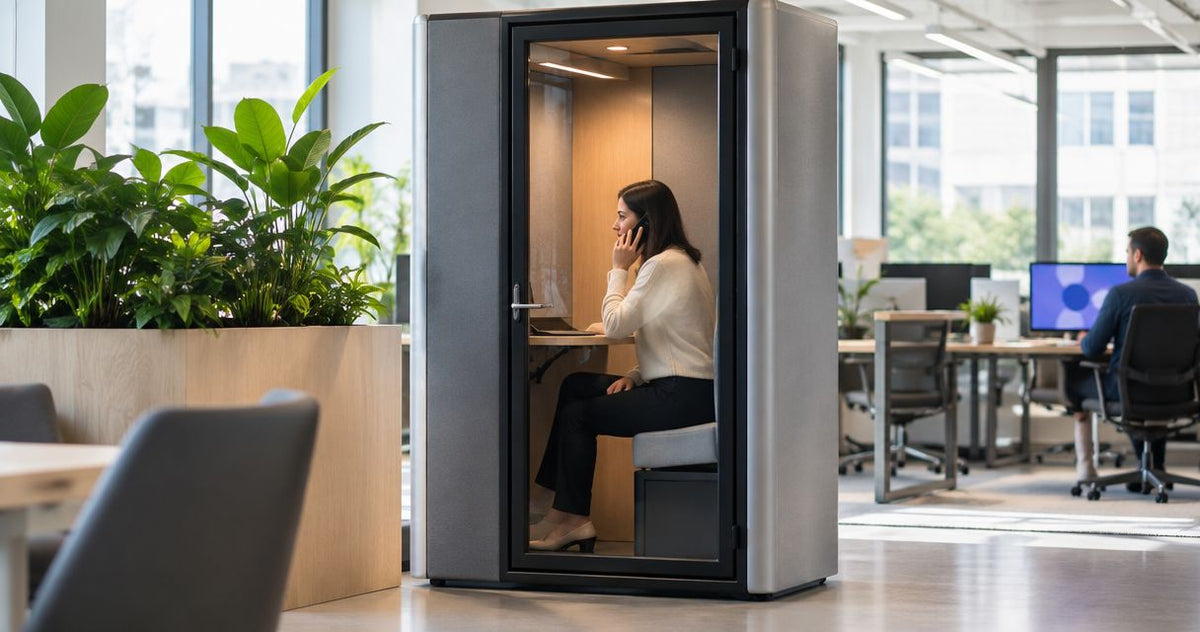
For HR teams, a confidential call booth is an enclosed workspace for sensitive telephone and video conversations, with the aim of keeping employee discussions separate from the open-plan office. Choosing one means checking speech privacy, visibility and booking arrangements—not simply finding somewhere quieter.
- Choose a confidential call booth for HR teams around sensitive conversations, not general desk overflow.
- Quell Workspaces offers phone booths and meeting rooms; match the space to remote calls or in-person discussions.
- Check whether speech is intelligible outside the booth before using it for employee matters.
- Use neutral booking titles and check sightlines to screens as well as sound.
Why confidential call booths matter for HR teams
HR conversations involve information that does not belong in a shared working area: recruitment decisions, employee concerns, performance discussions and personal circumstances. A call taken away from desks still needs an appropriate setting. A corridor, kitchen or unused corner does not establish privacy simply because nobody is nearby when the conversation starts.
An enclosed space gives you a defined place to assess and manage these calls. Quell Workspaces offers office phone booths alongside private meeting rooms, allowing you to consider the setting separately from the wider desk layout.
A quieter conversation is not automatically a confidential conversation. Speech heard outside, a visible laptop screen or a revealing booking title can each expose information through a different route.
For HR, the practical question is therefore not just whether a booth reduces distraction. It is whether the whole arrangement suits the conversation: who is present, what can be heard or seen, and how the space is shared.
How to choose and manage an HR call space
Define the conversations you need to accommodate
Start with a simple record of the calls your HR team needs to make away from desks. Use an existing diary or spreadsheet rather than buying a booking system first. Record the type of conversation without employee names or case details.
Separate remote calls from conversations where another person joins you in the office. A recruitment screening call and an employee meeting have different space requirements, even when both need discretion. Also distinguish planned appointments from calls that cannot be scheduled far ahead.
Your record should describe the work, not the employee. Labels such as remote interview, manager consultation and employee discussion are enough to establish the brief without creating another sensitive record.
- List the conversation types that require a separate space.
- Distinguish remote participants from people attending in person.
- Note whether each call is planned or difficult to schedule.
- Identify whether you need to use a laptop, documents or both.
Assess the rooms you already have
Before specifying a booth, review the enclosed spaces already available. An existing meeting room gives you a way to establish what works and what causes problems without adding another product. Assess it during ordinary office activity rather than only when the floor is empty.
Use a fictional conversation for this review. Ask a colleague outside the room whether words are intelligible, rather than whether they can hear any sound at all. Check the corridor, adjacent desks and other places where people normally spend time.
This is an operational check, not a formal acoustic assessment or a guarantee of confidentiality. Its purpose is to identify obvious weaknesses and decide what needs further evaluation. If you can already use a suitable room reliably, a new booth needs to solve a separate, clearly defined problem.
- Use fictional names and situations throughout the check.
- Listen from normal working positions outside the room.
- Check what is visible through doors and glazing.
- Record booking conflicts and interruptions separately from acoustic concerns.
Match the booth to the way HR works
Use the conversation brief to decide whether you need a phone-call space or a room for people meeting together. Do not choose a larger booth simply because it appears more versatile. Equally, do not expect a call-focused space to replace every employee meeting room.
Quell Workspaces is best suited to HR buyers comparing acoustic phone booths and private meeting rooms for separate conversation types. The benefit is a choice of enclosed workspace formats; the limitation is that the product category alone does not establish confidentiality in your office.
For remote conversations, assess a phone booth against the actual call routine: joining the meeting, using a headset, referring to notes and leaving the space ready for the next person. For in-person conversations, assess the meeting-room format instead. Keep the choice tied to the task rather than the appearance of the enclosure.
- Write separate briefs for remote calls and in-person meetings.
- Use your normal headset and laptop during an evaluation.
- Check the current product information for the intended use.
- Ask about any requirement the supplied information does not answer.
Check speech privacy and sightlines together
Evaluate sound and visibility as separate issues. A booth can provide a defined place for a call while still leaving a screen visible from a walkway. Likewise, a visually discreet location does not tell you whether people outside can understand speech.
Begin with a simple walk around the proposed area. Look from desk positions, circulation routes and neighbouring meeting spaces. Then assess a fictional call at an ordinary speaking level, including the moments when the caller turns towards the door or speaks while looking at notes.
For any unresolved acoustic question, request relevant product information or a more detailed assessment rather than relying on the word soundproof. Do not promise employees complete confidentiality based on a product name. Treat privacy as something to evaluate in context, not a label attached to an enclosure.
- Check speech intelligibility from nearby working positions.
- Look for direct views of laptop screens and documents.
- Include normal office movement in the evaluation.
- Keep visual and acoustic findings in separate notes.
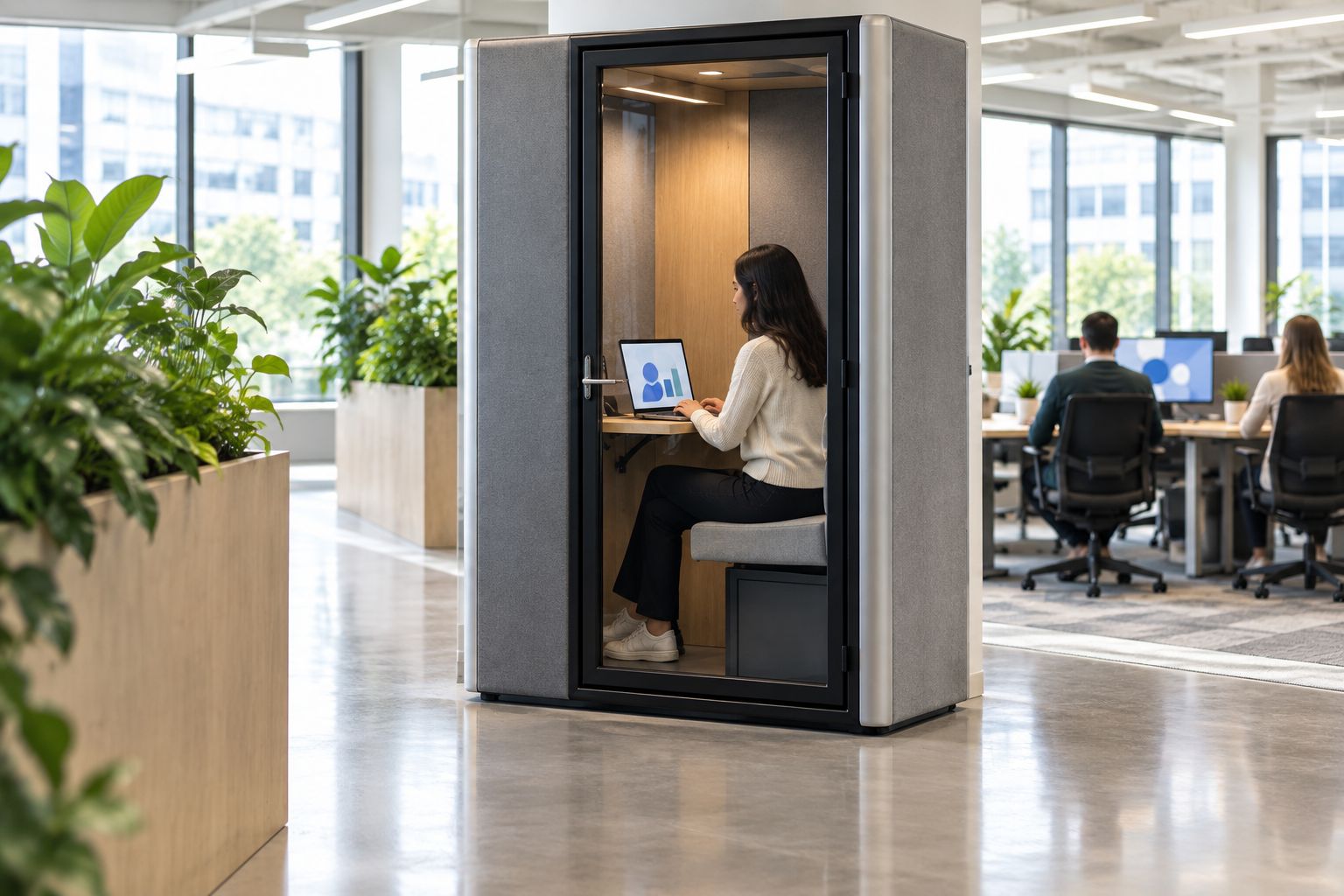
Set discreet booking and handover rules
Use the calendar you already have before adding a separate booking tool. The first task is to make the information visible to other users appropriate. A booking entry should reserve a space, not reveal why an employee is speaking to HR.
Choose a neutral room name and generic appointment titles. Keep employee names, case descriptions and personal details out of any shared display. Review who can see booking descriptions as well as who can reserve the room; those are different questions.
Allow time to finish the call, close documents and leave the space ready. For example, you can trial a 5-minute handover interval after a sensitive appointment. This is a suggested scheduling rule, not a product requirement, and you should adjust it to the team's actual routine.
- Use neutral appointment titles on shared calendars.
- Keep sensitive detail in the appropriate private record.
- Define who can reserve and amend bookings.
- Agree how staff request an urgent private conversation.
- Leave a handover interval for closing documents and ending calls.
Review whether the arrangement works
After introducing the call space, review use rather than assuming the problem is solved. Start with a short manual log of room access, interruptions and booking conflicts. Do not record employee cases or the substance of conversations in that log.
A suggested starting point is a 10-working-day review. During that period, distinguish calls that could not access the space from calls that were interrupted after starting. These observations point to different actions: scheduling changes, clearer room rules or further assessment of the setting.
Also check longer appointments. A 30-minute remote interview is a useful example to include if it reflects your team's work, because joining, note-taking and finishing the conversation all form part of the routine. These timings are planning examples, not evidence of booth performance.
- Record whether the space was available when required.
- Separate booking conflicts from interruptions during calls.
- Ask users about the call routine without requesting sensitive details.
- Recheck speech and screen privacy after changes to the surrounding office.
Compare spaces for confidential HR conversations
Choose the option that answers your brief, not the one with the broadest description. Quell Workspaces phone booths and meeting booths serve different workspace purposes; neither category removes the need to evaluate the setting and manage its use.
The comparison below separates remote calls from in-person discussions. It does not rank acoustic performance, because no comparative performance figures are supplied here.
| Option | Best for | Practical advantage | Key limitation |
|---|---|---|---|
| Existing enclosed meeting room | HR teams with a suitable room already available | Lets you assess current provision before specifying another space | Shared demand can conflict with sensitive appointments |
| Office Phone Booth Folio | Buyers considering a dedicated phone-call setting | Provides a phone-booth option to evaluate against the remote-call brief | The supplied description does not establish speech privacy for your office |
| Quell+ - 4 Person Meeting Booth | Buyers considering a meeting format for in-person discussions | The supplied description states that it accommodates 3 to 4 individuals | A meeting format is not automatically the right choice for routine individual calls |
Choose a phone-call format for a phone-call requirement; choose a meeting format when people need to sit together. If HR needs both, write two briefs rather than asking one space to satisfy conflicting routines.
The following products are relevant starting points for those separate briefs. Review the current product information against your requirements before selecting either format.


Common mistakes HR teams make
Treating quiet as proof of confidentiality
Reduced distraction and speech privacy are different questions. Assess whether people outside can understand words, then investigate unresolved concerns. A pleasant call experience inside the booth does not answer what someone nearby can hear.
Putting sensitive details in the booking title
A discreet room does not protect an employee's information if the calendar announces the subject. Use a neutral appointment title. Keep the employee's name and discussion details out of displays visible to colleagues.
Using a phone-call brief for an employee meeting
A space intended for remote calls does not automatically suit a conversation with another person present. Decide who attends before choosing the format. Where the task changes, reassess the room requirement rather than forcing the meeting into the original choice.
Checking acoustics but overlooking the screen
HR calls often involve documents, messages or interview notes. Include views through glazing in your assessment, especially from routes people use throughout the day. A screen facing away from one desk can still be visible from another position.
Reserving the space without planning urgent access
Planned interviews are only part of the requirement. Decide how an employee or manager requests a private conversation when the room is booked. Without an agreed process, staff have no clear alternative to taking the discussion elsewhere.
FAQ
What makes a call booth suitable for confidential HR conversations?
A suitable HR call booth must fit the conversation and be evaluated for speech privacy, visibility and practical use. Check it in the intended office setting rather than treating enclosure or a product name as proof of confidentiality.
Can people outside an HR call booth still hear the conversation?
You need to assess what people outside the booth can understand in the intended setting. Use a fictional conversation for an operational check and request further acoustic information when the result leaves questions unresolved.
Should HR choose a phone booth or a meeting booth?
Choose a phone-call format for remote conversations and assess a meeting format when people need to meet in person. Quell Workspaces offers both categories, but your conversation brief should determine which you evaluate.
Can HR use an existing meeting room instead of buying a booth?
Yes, assess an existing enclosed meeting room before specifying another space. Check speech privacy, sightlines and whether shared bookings leave it accessible when HR needs it.
What should a confidential HR room booking say?
Use a neutral appointment title that reserves the space without identifying the employee or subject. Check calendar permissions and shared displays so the booking description does not disclose sensitive details.
Does privacy film address every confidentiality concern?
No, visual privacy and speech privacy need separate assessment. Evaluate any visual treatment against the relevant product information, and continue to check sound, booking visibility and document handling independently.
One last thing
Check what happens immediately before and after the call. You can choose an appropriate enclosed space and still expose information by discussing the appointment at reception, leaving notes on a desk or continuing the conversation after opening the door.
For a Quell Workspaces call booth or any existing room, make the next move a fictional end-to-end appointment: reserve it, enter, join the call, use notes and finish. Review the whole conversation routine, not just the minutes spent inside the enclosure.


