
17 October 2026 · Editorial Team
Meeting pods for media and broadcast teams: a practical guide
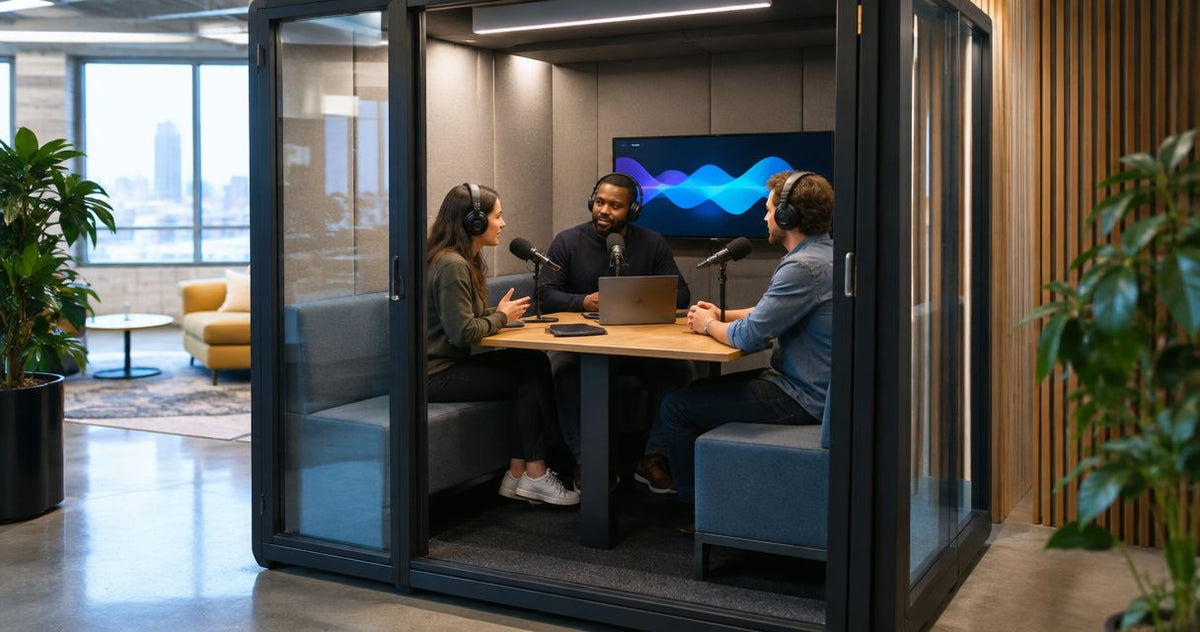
Media and broadcast teams’ meeting pods are enclosed workspaces for editorial discussions, contributor calls and production briefings, with the aim of separating conversation from shared desks. Choose them around the work you need to do: a production meeting, a remote interview and an audio recording require different checks.
- Choose meeting pods for media and broadcast teams around editorial meetings, contributor calls and production briefings.
- Quell Workspaces meeting pods suit enclosed team discussions; recording performance needs a separate assessment.
- Match capacity to the people attending, then check the actual camera, microphone and screen arrangement.
- Compare an existing room with a pod before committing space to another meeting setting.
Why meeting pods matter for media and broadcast teams
A media workspace has to accommodate conversations without turning every desk into a meeting area. Your brief should distinguish discussions that need separation from tasks that need a controlled recording environment. They are not interchangeable.
Start with the distinction between a phone booth and a meeting pod. A contributor joining a producer remotely presents a different space requirement from an editorial team reviewing a running order together.
Quell Workspaces meeting pods are best for media teams seeking enclosed meeting space, rather than a specified recording studio. Treat acoustic suitability for recording as a separate question, not an automatic benefit of buying a booth.
Plan meeting pods around your production workflow
Define the conversations you need to separate
Start manually with your room calendar and a simple conversation log. Record the purpose of each displaced meeting, who attended and why the available space did not work. Use task names rather than a broad request for somewhere quieter.
An editorial briefing needs shared discussion space. A contributor preparation call needs a suitable setting for the producer and their equipment. A remote interview adds microphone, camera and connection requirements. Putting all these activities under one booking label hides important differences.
Keep the log about work patterns, not the content of sensitive conversations. You need enough detail to write a useful brief without collecting interview material or story information.
- Separate editorial meetings from recorded interviews.
- Identify contributor preparation and scheduling calls.
- Record how many people attend in person.
- Note which tasks require a shared screen.
- Mark sessions that cannot move when a booking overruns.
Check whether existing rooms can do the job
Before buying another enclosure, adjust the way you allocate existing space. A shared calendar, clear room labels and bookings based on actual attendance give you a practical starting point. Check whether unavailable rooms are genuinely occupied or simply reserved.
Best for an initial response: reorganise existing rooms when booking conflicts, rather than unsuitable spaces, cause the problem. The limitation is straightforward: changing the calendar does not change what a room sounds like or how well it accommodates equipment.
Separate repeatable problems from isolated clashes. If a room works for editorial discussion but not for an interview, record that distinction instead of rejecting it for every purpose. Your pod brief should address the remaining gap.
- Give rooms clear purpose labels in the calendar.
- Release bookings when a meeting moves or finishes.
- Compare booked attendance with actual attendance.
- Reserve suitable rooms for tasks that need their particular setup.
- List unresolved space needs before reviewing products.
Match the meeting booth to the working group
Once you know which meetings lack a suitable setting, compare real products against that brief. Quell Workspaces offers meeting booths in different capacities; the supplied product descriptions identify the Quell+ - 4 Person Meeting Booth for 3 to 4 people and the Quell+ - 6 Person Meeting Booth for 4 to 6 people.
Best for smaller editorial discussions: assess the 4-person booth against your usual attendance. Best for larger production discussions: assess the 6-person booth when the group requires it. Neither capacity statement establishes how your own equipment will fit.
Count everyone who needs to be inside, including an occasional contributor or visiting producer. Then distinguish seating capacity from working layout: a conversation around laptops is not the same task as reviewing a screen while operating interview equipment.
- Use actual attendance records to choose a capacity range.
- Include visiting contributors in the meeting brief.
- List the equipment used during each meeting type.
- Confirm the proposed furniture arrangement with the supplier.
- Ask what the quoted configuration includes.
Test the real call and recording workflow
Use the equipment your team already works with to define a repeatable assessment. Start in an existing room so you understand the workflow before comparing another space. Keep the microphone position, call application and recording settings consistent when assessing alternatives.
Listen to both ends of a remote conversation. Check what the contributor hears as well as what the local team hears. Where recording matters, assess a sample through your normal review process rather than relying on how quiet the enclosure feels during a brief visit.
A meeting booth is not a recording specification. The supplied Quell Workspaces product descriptions do not establish broadcast-recording performance, so do not build an interview or voiceover plan around an assumed result.
- Use your normal microphone, headphones and call application.
- Ask a remote colleague to assess the received speech.
- Listen for room sound, equipment noise and nearby conversation.
- Review a sample recording through your usual editing workflow.
- Check the camera view with the actual participants seated.
- Record which tasks the assessed setup supports.
Plan the pod’s relationship with the working floor
Sketch the existing workspace before discussing a proposed position with the supplier and your workplace team. Show editorial desks, existing meeting rooms and the routes people use between them. This is a workflow brief, not an installation plan.
A pod used for frequent production questions needs a different relationship with the team from a space reserved for longer contributor calls. Consider how people will find it, wait for it and return to their desks without creating another informal meeting point immediately outside.
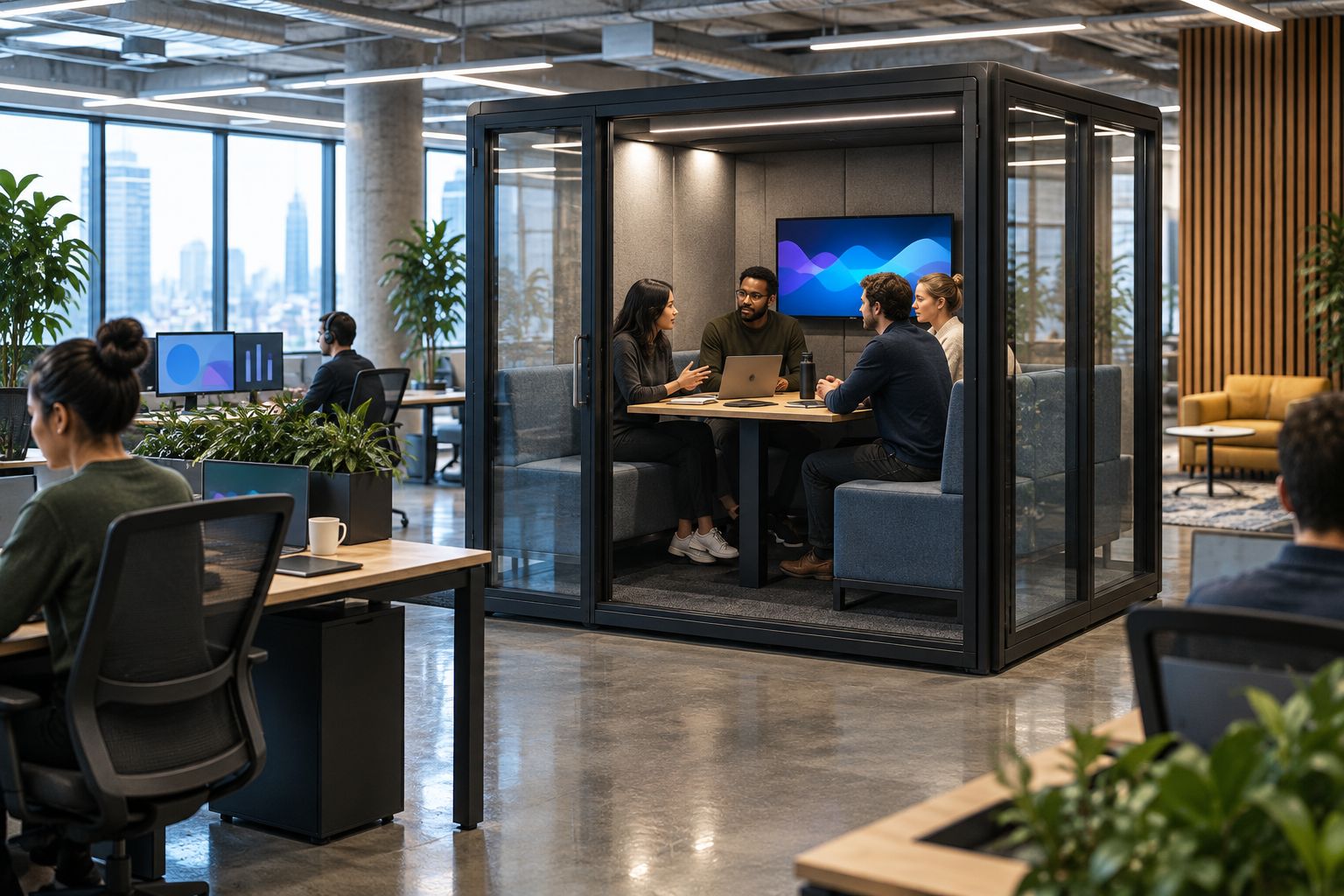
The illustration below shows the principle of separating an enclosed discussion from shared desks. It does not represent a particular product, footprint or recommended installation arrangement.
Treat connectivity and equipment storage as operational questions to resolve with the people responsible for them. Avoid assuming that an enclosure automatically includes the connections or furniture your team needs.
- Mark the desks and rooms that each team uses.
- Identify where contributors will arrive and wait.
- Note nearby activities that need separate assessment.
- List connection requirements for your workplace team.
- Agree where shared call equipment will be kept.
Set booking rules and review actual use
Start with the same calendar your team already uses. Name bookings by purpose, such as editorial discussion or contributor preparation, rather than labelling everything a meeting. This makes it easier to see whether the new space serves the tasks in your brief.
Decide who resolves clashes between a scheduled interview and an informal discussion. Make the rule visible before bookings begin. A booth cannot solve competing priorities if nobody knows which activity takes precedence.
Review usage alongside comments from people inside and outside the pod. Full calendars alone do not prove that you selected the right space; repeated abandoned calls or displaced editorial meetings deserve attention too.
- Publish a short list of intended uses.
- Assign responsibility for booking conflicts.
- Record meetings that move elsewhere and why.
- Ask remote participants about call quality.
- Review whether equipment is ready at each handover.
- Adjust booking rules before adding more capacity.
Compare the options for your media team
Choose an option by the problem it addresses, not by the broadest product description. The table separates an operational change from additional enclosed meeting space. It does not rank recording performance, because no recording assessment is supplied.
| Option | Best for | Main advantage | Key limitation |
|---|---|---|---|
| Reallocate an existing meeting room | Teams whose main problem is booking conflict | Uses a space your team already knows | Scheduling changes do not alter the room’s acoustic behaviour or equipment arrangement |
| Quell+ - 4 Person Meeting Booth | Editorial discussions with 3 to 4 people | Supplied description identifies a smaller-group meeting capacity | Seating capacity does not establish equipment fit or recording suitability |
| Quell+ - 6 Person Meeting Booth | Production discussions with 4 to 6 people | Supplied description identifies a larger-group meeting capacity | Larger capacity does not establish better call or recording performance |
Choose the smallest suitable meeting setting that accommodates the actual group and workflow. Do not choose a larger booth solely because an occasional meeting has more attendees; compare that occasional need with the regular tasks you are trying to support.
Equally, do not squeeze a larger production discussion into a smaller setting because it meets the needs of an individual caller. Different tasks can justify different spaces. The decision should follow your attendance record and equipment assessment.
Common mistakes media and broadcast teams make
Treating enclosed space as proof of recording quality
An enclosure and a recording environment are different things. Do not approve a booth for interviews or voice work solely because a conversation sounds less exposed inside it. Assess the microphone signal and remote listener’s experience using the intended workflow.
Choosing capacity without including the equipment
A product described for a particular number of people does not automatically establish how laptops, microphones or a shared display will work together. Write down the complete meeting setup and discuss it with the supplier. Avoid turning a seating label into an unsupported workspace specification.
Giving every production task the same booking priority
A contributor waiting to join a scheduled call and an informal editorial discussion have different timing constraints. Agree how your team handles those conflicts. Otherwise, the space becomes another calendar argument rather than a dependable part of production planning.
Assessing only from inside the booth
A local conversation can sound acceptable while the remote participant receives a less useful signal. Check both sides of the call and the recorded result where relevant. Include feedback from colleagues working nearby, rather than treating the experience inside as the whole assessment.
Buying before defining the unresolved problem
A busy calendar is a reason to investigate, not a complete purchasing brief. Establish whether the missing resource is discussion space, individual call space or a recording environment. Those are separate requirements, and one purchase should not be assumed to satisfy all of them.
FAQ
What are meeting pods for media and broadcast teams used for?
Meeting pods for media and broadcast teams provide enclosed space for editorial discussions, production briefings and contributor calls. Choose the setting around attendance, equipment and the task rather than assuming every media activity needs the same room.
Can a meeting pod replace a recording studio?
A meeting pod should not be treated as a recording-studio replacement without an assessment of the intended recording workflow. Review microphone recordings, background sound and the remote participant’s experience before assigning recording work to the space.
Which Quell Workspaces meeting booth should a small editorial team consider?
The Quell+ - 4 Person Meeting Booth is an option to assess for discussions involving 3 to 4 people, according to its supplied description. Confirm the working arrangement for your equipment separately; the capacity statement does not establish recording suitability.
What should a larger production team consider?
The Quell+ - 6 Person Meeting Booth is an option to assess for discussions involving 4 to 6 people, according to its supplied description. Compare that capacity with regular attendance and the equipment used during production meetings.
How do we check whether a pod works for remote interviews?
Assess the pod with the microphone, headphones and call application your team intends to use. Ask a remote colleague to review the received speech and assess a sample recording through your normal editing process.
Should we change room bookings before buying a meeting pod?
Change room bookings first when scheduling conflicts are the main problem. A simple conversation log and clearer room allocation help identify which tasks still lack a suitable setting before you select additional meeting space.
One last thing
Write the remote participant into the purchasing brief. A contributor experiences your meeting space through the microphone and camera, not through the enclosure itself. Ask someone outside the office to take part in the assessment before you decide which work belongs there.
Keep that distinction in your final brief to Quell Workspaces: meeting capacity, equipment arrangement and recording suitability are separate questions. Answering each one gives your facilities and production teams a clearer basis for the decision.


