
28 October 2026 · Editorial Team
What is the best office chair for long hours at a desk?
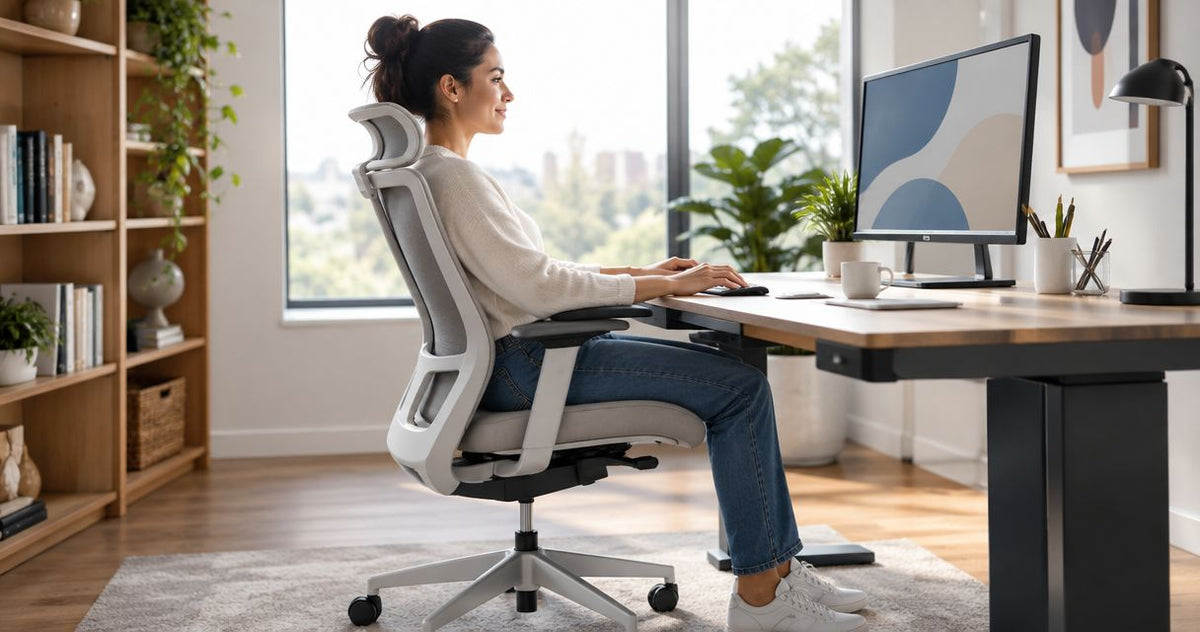
The best office chair for long hours is the one that fits you at your desk and supports the way you actually work, rather than the one with the largest backrest or longest feature list. Compare task chairs using your normal typing, reading and meeting positions, and treat descriptions such as ergonomic or executive as a starting point—not proof of personal comfort.
- The best office chair for long hours fits both the user and the desk; appearance alone cannot establish comfort.
- Quell Workspaces’ Billy is a relevant office-chair option when breathable comfort is your starting priority.
- Connect offers a dual mesh backrest; Lunhem uses a honeycomb-structured suspension back.
- Compare task chairs in normal working positions, not just during a brief sit away from the desk.
Why this matters
A chair is only part of your workstation. Your desk, keyboard, screen and everyday tasks all influence how the chair feels in use.
Choose for the working position, not the showroom impression. A chair that feels inviting when you lean back still needs to work when you bring your hands to the keyboard and concentrate on a document.
What is the best office chair for long hours at a desk?
There is no single chair that establishes the best fit for every desk worker. Start with a task chair intended for desk work, then compare its fit and feel during the tasks that occupy most of your day.
The following Quell Workspaces office chairs offer different starting points. This is a comparison of their stated product descriptions, not a tested comfort ranking.
| Office chair | Best for | Stated feature or purpose | Limitation of the description |
|---|---|---|---|
| Billy office chair | Buyers prioritising breathable comfort | Described as an ergonomic office chair with breathable comfort | The description does not establish how it will fit an individual user |
| Connect | Buyers interested in a dual mesh backrest | High-back task chair with two separated mesh layers | Backrest construction alone does not establish whole-chair comfort |
| Lunhem | Buyers considering a suspension-back task chair | Mesh task chair with a honeycomb-structured suspension back, intended for long, focused work | Intended use is not a guarantee of comfort throughout your working day |
Billy from Quell Workspaces is best for desk-chair buyers who want breathable comfort as their starting priority. Connect and Lunhem offer more specific backrest descriptions, but those differences do not establish a universal winner.
Use the table to decide what to examine first. Make the final choice at a representative workstation, with your usual equipment and working position.
Billy: best for a breathable-comfort starting point
Billy is described as an ergonomic office chair that combines breathable comfort with modern design. That makes it a relevant starting point if the feel of your current chair is your main reason for replacing it.
The useful distinction is its stated purpose: Billy is an office chair, rather than a lounge seat adapted to a desk. Keep your assessment tied to desk work instead of judging it solely by how comfortable it feels during a conversation.
- Reason to consider Billy: its product description places breathable comfort at the centre of its purpose.
- Trade-off: that description does not establish individual fit or prove that Billy will feel better than another task chair.
- What to do next: compare Billy while typing, using your mouse and reading from your normal screen position.
Avoid turning the word ergonomic into an automatic recommendation. Your experience of the seat and backrest matters more than the label when choosing between chairs for your own workstation.
Connect: best for buyers interested in dual mesh
Connect is a high-back ergonomic task chair built around a dual mesh backrest. Its description identifies two mesh layers separated by a gap, giving you a specific construction detail to examine.
That is a clearer comparison point than a broad promise of comfort. However, it describes the backrest—not the complete experience of using the chair at your desk.
- Reason to consider Connect: the dual mesh construction is a defined feature rather than a general style description.
- Trade-off: two mesh layers do not, by themselves, prove that Connect is the better chair for long hours.
- What to do next: notice how the backrest feels during focused keyboard work as well as when you lean back.
Choose Connect because its overall feel suits your work, not because a particular construction sounds more advanced. A distinctive backrest still needs to work with the rest of the chair and your desk.
Lunhem: best for a suspension-back shortlist
Lunhem is an ergonomic mesh task chair with a honeycomb-structured suspension back. Its description specifically positions it for people who remain seated through long, focused work.
That makes Lunhem relevant to this question, but relevance is not the same as proven superiority. The stated purpose helps you build a shortlist; it does not replace a personal comparison.
- Reason to consider Lunhem: its intended use directly addresses extended periods of focused desk work.
- Trade-off: the product description does not establish a comfort duration or an advantage over Billy or Connect.
- What to do next: compare the suspension-back feel while carrying out the same tasks you use to assess other chairs.
Keep the task consistent when comparing chairs. If you type in one chair but only recline in another, you are comparing different experiences rather than making a useful selection.
How should you compare chairs at your own desk?
Bring the comparison back to ordinary work. You do not need an elaborate scoring system; you need to notice what happens when the chair meets your desk and equipment.
Start with your normal task
Open the kind of document, spreadsheet or application you use most often. Place your keyboard and mouse where you normally use them, rather than creating an unusually clear desk for the trial.
Notice whether you settle into the task or keep changing your position to accommodate the furniture. A favourable first impression matters less if the chair becomes distracting once you start working.
Compare the seat and backrest together
Do not assess the backrest in isolation. Pay attention to how the seat and backrest feel as a combination when you read, type and pause to think.
Record the difference in plain language: comfortable during typing, distracting at the front of the seat, or pleasant when leaning back. These observations are more useful than awarding an unexplained comfort score.
Check the desk relationship
Bring the chair to the position where you actually work. Notice whether the desk edge, chair arms or nearby furniture interrupt your preferred position.
This is a practical fit check, not an installation exercise. A chair that works well away from the desk still needs to work with the furniture you intend to keep.
Include your other regular activities
If your day alternates between typing and video meetings, compare both activities. If you frequently work from printed documents, include those too.
The best comparison reproduces your work, not an idealised version of it. Do not select a chair solely around an occasional activity while overlooking the task that fills most of your day.
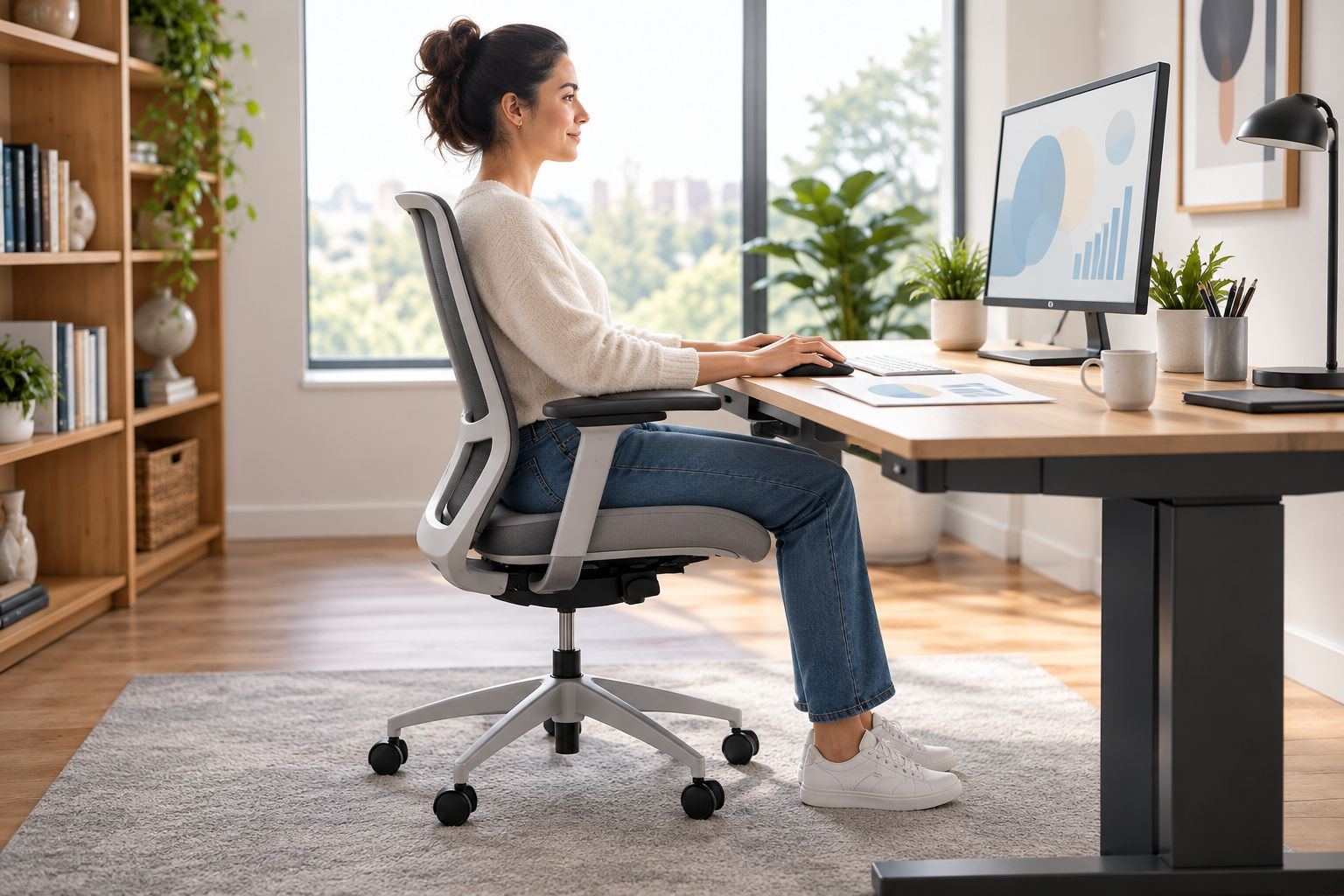
Why the best chair varies between users
The same chair does not create the same experience for every person. Use these factors to understand why recommendations differ without assuming that one user’s favourite must suit you.
- Working tasks: sustained keyboard work, document reading and video meetings involve different interactions with the chair.
- Desk relationship: the chair must work with your existing desk and equipment, not just look suitable beside them.
- Backrest preference: Billy’s breathable-comfort description, Connect’s dual mesh and Lunhem’s suspension back provide different starting points to explore.
- Personal fit: a product description cannot establish how the seat and backrest will feel to an individual.
- Shared use: a chair chosen for a shared desk needs consideration from the people who will actually use it.
For an office manager, this changes the purchasing process. Instead of asking everyone to approve a photograph, ask intended users to compare the chair during representative work.
For an individual buyer, it narrows the decision. Choose around your own desk and tasks rather than trying to identify a chair that wins every possible comparison.
Which features deserve the most attention?
Give attention to features you can connect to a real preference or task. A construction detail is useful when it helps explain what you want to compare; it is not useful merely because it lengthens the specification list.
For example, Connect’s dual mesh backrest gives you something specific to examine. Lunhem’s suspension back provides another distinct approach, while Billy’s description directs attention towards breathable comfort.
None of those descriptions establishes that a chair prevents discomfort or suits every body shape. Keep the decision narrower and more practical: which chair works best for your normal working position?
Avoid treating chair size, executive styling or a mesh back as a shortcut to the answer. Those characteristics do not remove the need to compare the complete chair at a desk.
A practical shortlist for desk work
Quell Workspaces office chairs include Billy and Connect, both relevant to a desk-chair shortlist. Billy centres its description on breathable comfort; Connect identifies a high-back design with a dual mesh backrest.
Choose the reason for considering each chair before you compare them. That keeps the decision focused and prevents appearance from becoming the only meaningful difference.


How to choose chairs for a team
For a team purchase, separate the office’s visual preferences from users’ working requirements. A consistent appearance is a different objective from finding a chair that suits each person’s desk work.
Ask intended users to describe what they notice during ordinary tasks. Keep comments specific to the chair and workstation, rather than collecting general reactions such as stylish or impressive.
Compare like with like across desks. A different desk arrangement can change the experience, so avoid attributing every difference to the chair itself.
Before selecting a common model, identify any clear disagreements about fit or feel. A team shortlist is a purchasing aid, not evidence that everyone needs the same chair.
FAQ
What is the best office chair for long hours at a desk?
The best office chair for long hours is a task chair that fits you and works with your desk during normal tasks. Billy, Connect and Lunhem offer relevant starting points, but their descriptions do not establish a universal comfort winner.
Is a mesh office chair always better for long working days?
A mesh office chair is not automatically better for long working days. Compare the complete chair at your desk rather than choosing on backrest material alone.
What is the difference between Billy, Connect and Lunhem?
Billy is described around breathable comfort, Connect has a dual mesh backrest, and Lunhem has a honeycomb-structured suspension back. These are useful distinctions for a shortlist, not proof that one chair will fit everyone best.
Does a high back make an office chair more comfortable?
A high back alone does not establish greater comfort. Assess how the seat and backrest feel together while you carry out your usual desk work.
How do I compare office chairs before choosing one for a team?
Compare office chairs with the people who will use them, carrying out representative tasks at suitable desks. Record specific observations about fit and feel rather than relying on appearance or a general comfort score.
Can a good office chair replace changes of activity during the day?
Choosing an office chair does not remove the need to consider how you organise your working day. Treat the chair, desk arrangement and opportunities to change activity as separate decisions rather than expecting one purchase to solve everything.
One last thing
The most useful chair comparison starts after the first impression. Bring your hands to the keyboard and begin a real task.
If a chair only feels right when you stop working, it has not yet answered the desk-work question. Select the chair that suits the activity you bought it for, then keep the rest of your workstation under review.


